Pages & Layouts
Built-in routes
| Route | Generated when | Content source |
|---|---|---|
/ | The project has no app/pages/index.vue | content/index.md |
/docs/** | Always | content/docs/** |
/releases, /releases/:tag | content/releases.yml or content/releases.md exists | GitHub Releases |
/templates | content/templates.yml or content/templates.md exists | items in the file |
With i18n enabled, other locales put the matching files under content/{locale}/ (such as content/en/releases.yml); a locale without the file returns 404 for that route. Routes are decided at build time from the files present, so restart the dev server after adding or removing these files.
Landing page
Without app/pages/index.vue, the landing page renders content/index.md, where you can compose Nuxt UI page components with MDC:
---
title: My Docs
description: One sentence about your project.
---

::u-page-hero
#title
My Docs

#description
One sentence about your project.

#links
  :::u-button{to="/docs/getting-started" size="xl" trailing-icon="i-lucide-arrow-right"}
  Get started
  :::
::
To control the landing page entirely in code, create app/pages/index.vue. The layer then no longer injects the landing route or registers the landing content collection.
Releases page
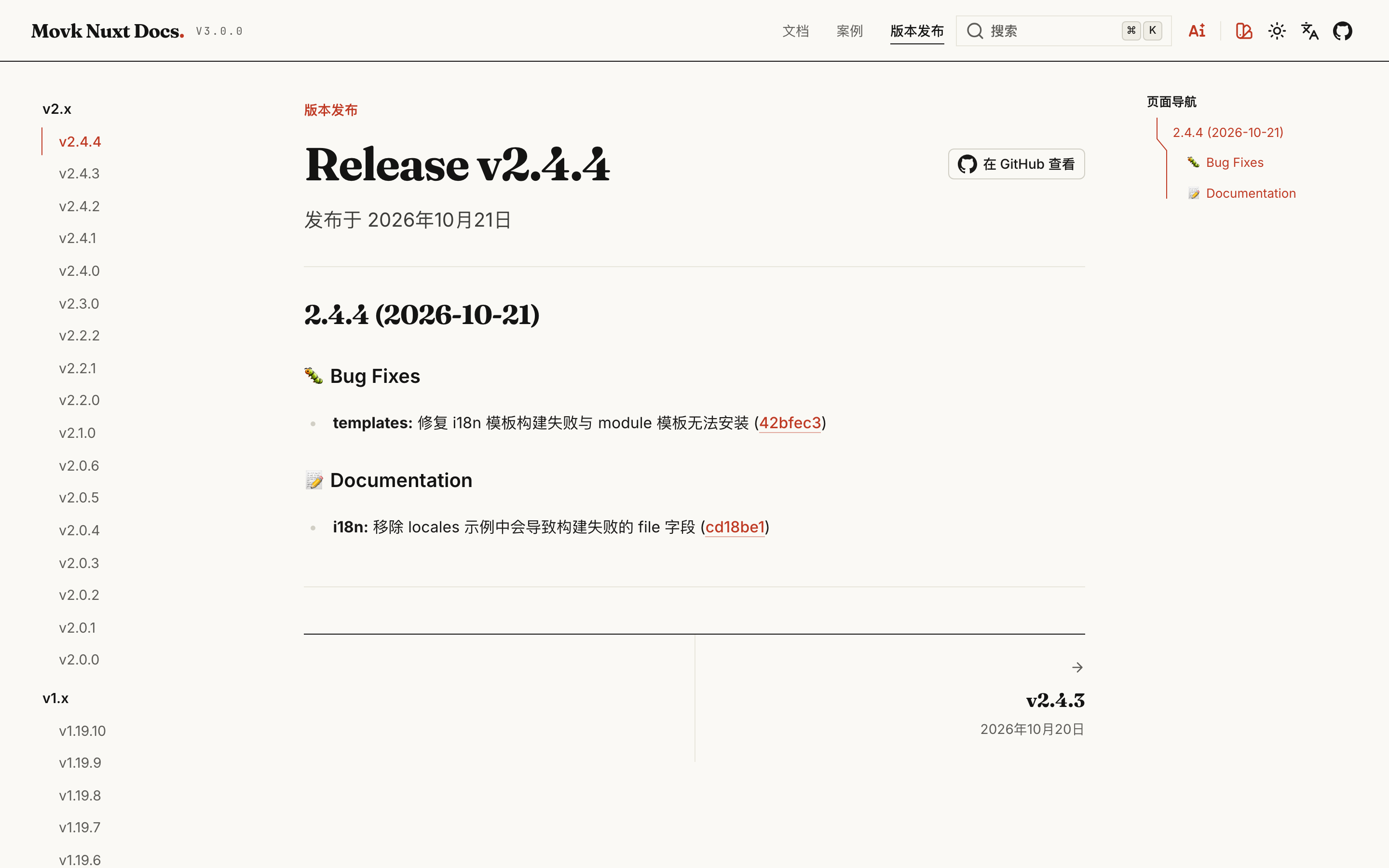
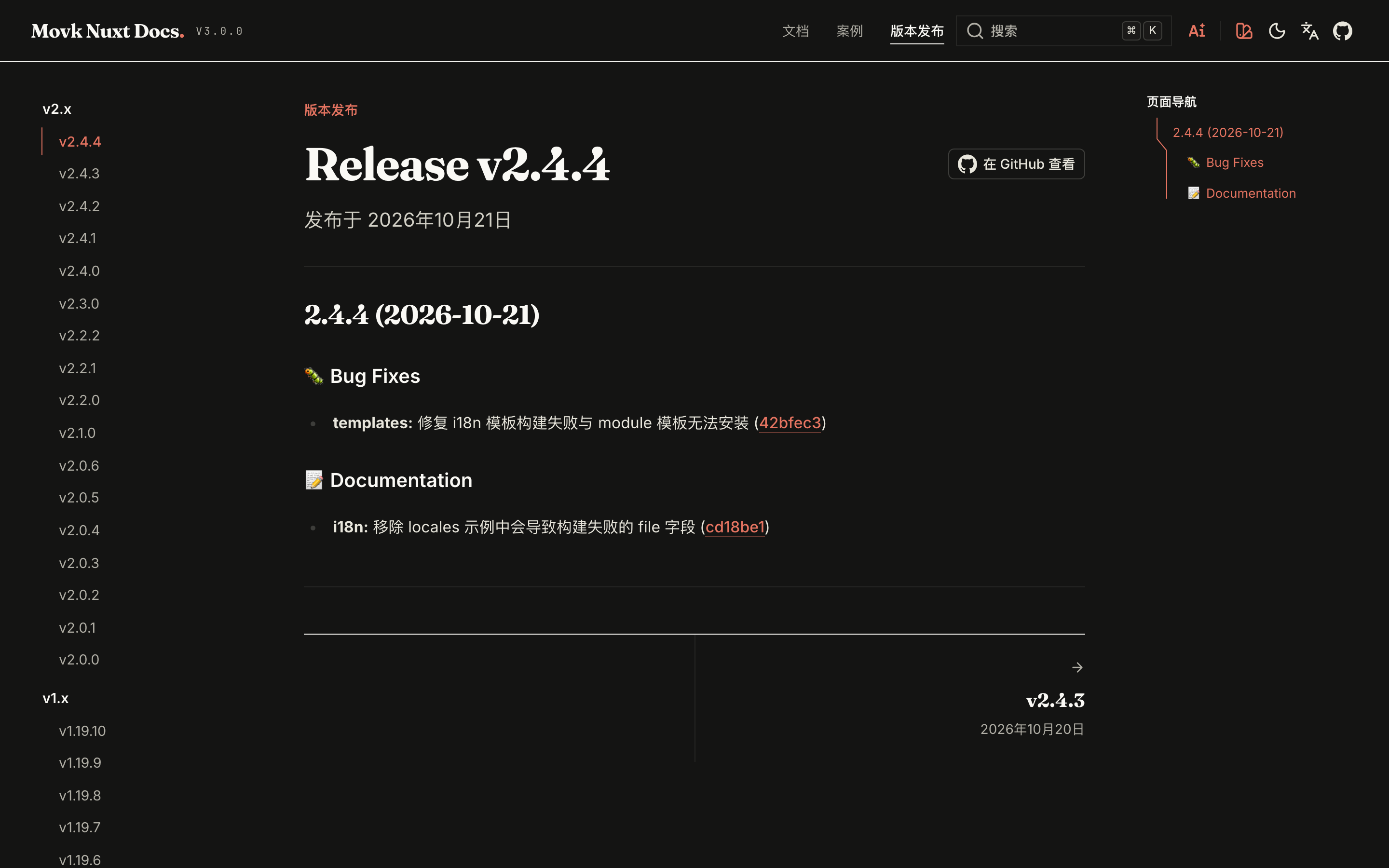
/releases shows the latest release and paths such as /releases/v3.0.0 show a specific one. Data comes from the GitHub Releases of the repository set by github.owner / github.name in app.config:
- The left column lists releases grouped by major version, the right column is the table of contents of the notes, and the bottom links to adjacent releases
- Pages are server-rendered, so they can be prerendered and indexed;
@usernamementions in the notes link to GitHub profiles - When the releases page exists, version numbers in
CommitChangeloglink to the matching release on your site
title: Releases
description: Release notes, new features and fixes of My Docs.
navigation: false
# Optional: list prereleases in the release navigation, defaults to false
prerelease: false
# Optional: only list releases whose tag matches this regular expression
include: '^v3\.'
NUXT_GITHUB_TOKEN to avoid the rate limits of anonymous requests; when GitHub is unreachable the page shows a notice instead of failing the build. Releases filtered out by prerelease or include are hidden from the navigation but remain reachable by their tag path.Showcase page
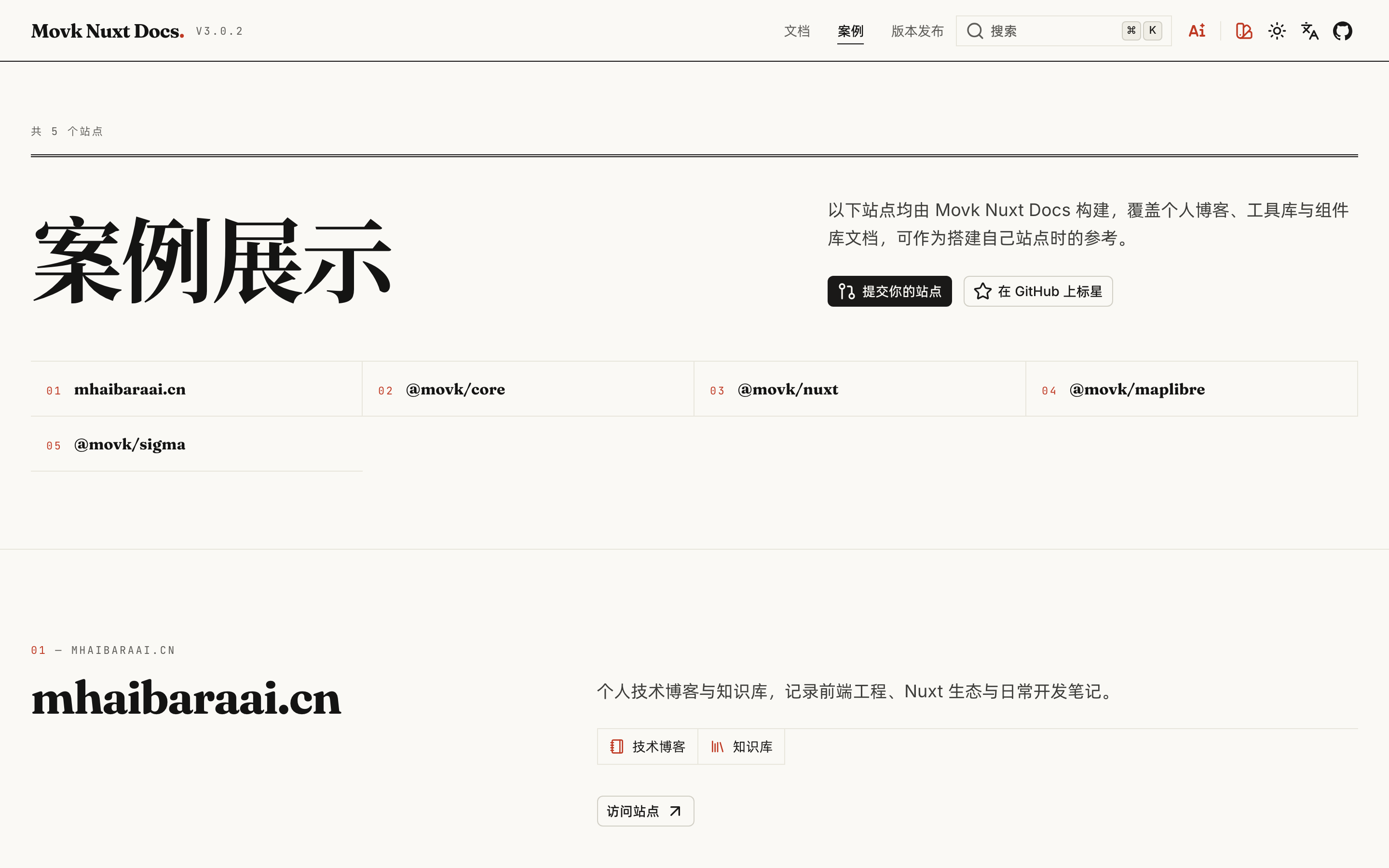
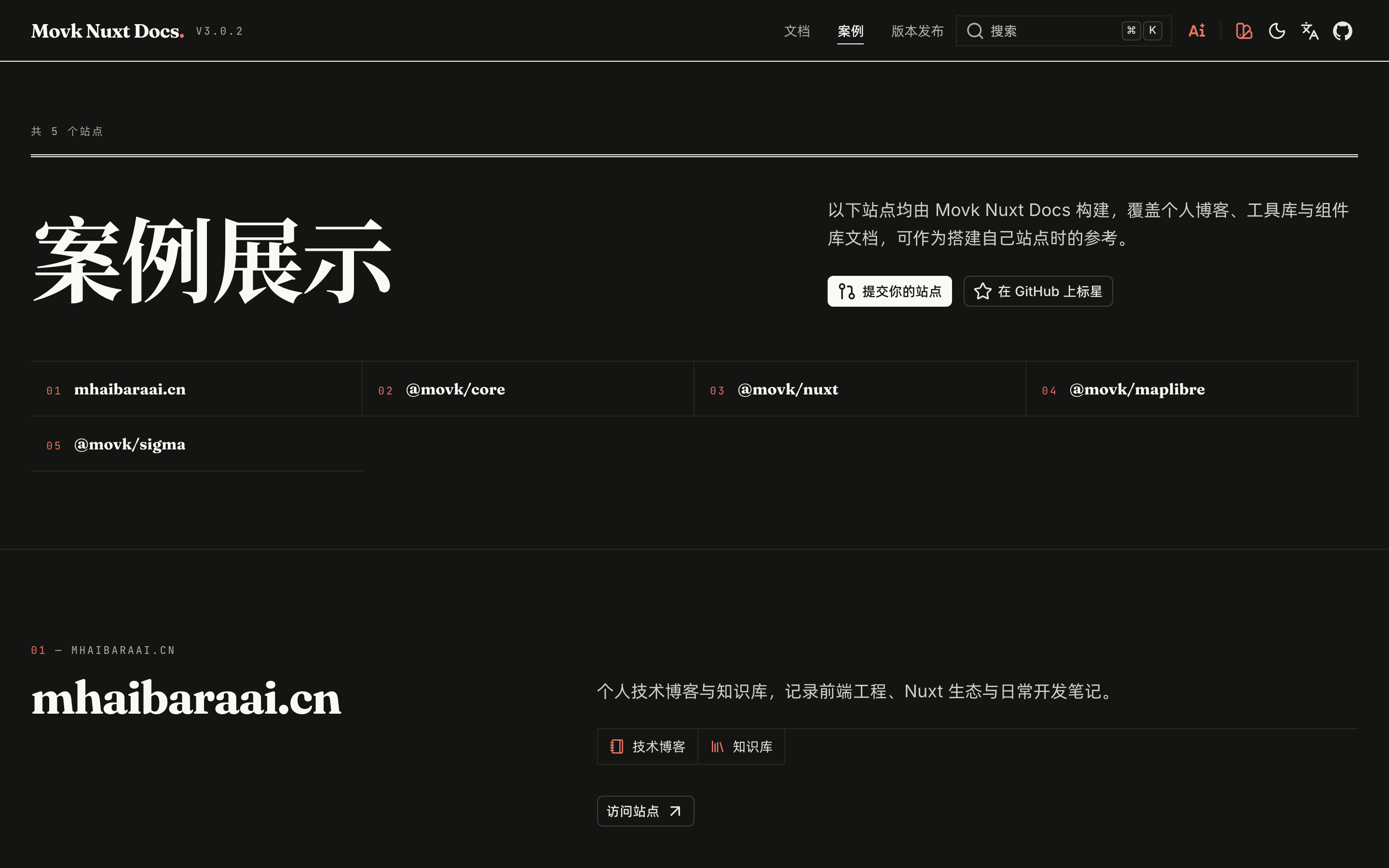
/templates shows templates or real sites built with the theme as cards:
title: Showcase
description: Sites built with the My Docs theme.
navigation: false
hero:
  title: Showcase
  description: Sites built with the My Docs theme.
items:
  - title: '@my/core'
    description: Docs for a Vue utility library.
    features:
      - title: API reference
        icon: i-lucide-book-open
      - title: Component examples
        icon: i-lucide-shapes
    links:
      - label: Visit site
        to: https://core.example.com
        target: _blank
        icon: i-lucide-link
| Field | Description |
|---|---|
hero | Title area at the top of the page, optionally with links buttons |
items[].title | Card title, also used to derive the screenshot file name |
items[].description | Card description |
items[].features | Feature list with icons |
items[].links | Buttons at the bottom of the card, with the same fields as Nuxt UI's UButton |
Each card loads its screenshots from public/assets/templates/ by convention: {slug}-light.png and {slug}-dark.png. The slug is the lowercased title with runs of non-alphanumeric characters replaced by - and leading or trailing - removed, so @my/core maps to my-core-light.png and my-core-dark.png.
Neither page appears in the header automatically; add links in header.nav, see Navigation & Categories.
Custom pages
Add a Vue file to app/pages/ to create a page, following the usual Nuxt routing rules:
<script setup lang="ts">
definePageMeta({
  // Do not render the global header and footer
  header: false,
  footer: false
})

useSeoMeta({
  title: 'Showcase',
  description: 'A custom page example'
})
</script>

<template>
  <UContainer class="py-16">
    <h1 class="font-display text-4xl font-bold">
      Showcase
    </h1>
  </UContainer>
</template>
| Page meta | Default | Description |
|---|---|---|
header | true | Set to false to skip rendering Header |
footer | true | Set to false to skip rendering Footer |
layout | 'default' | Layout used by the page |
Pages whose path starts with /examples also skip the header and footer; that prefix is reserved for standalone component example previews.
Layouts
| Layout | Used by |
|---|---|
default | Landing, releases, showcase and custom pages; provides only a <main> container |
docs | Docs pages, including the left sidebar (navigation filter and docs navigation) |
Create a file with the same name in app/layouts/ to override a built-in layout, or add new layouts for custom pages:
<template>
  <UMain>
    <UContainer class="max-w-screen-2xl">
      <slot />
    </UContainer>
  </UMain>
</template>
<script setup lang="ts">
definePageMeta({
  layout: 'wide'
})
</script>
docs layout, keep provide('docsFilterSearch', ...) and the DocsAsideLeftTop / DocsAsideLeftBody mounts, otherwise the sidebar filter and navigation stop working. See the docs.vue source.Customization
Create a Vue file with the same name as a built-in component in your component directory to replace the header, sidebars, footer and other UI regions. This page lists the components v3 promises to keep stable, where each is mounted, and a minimal override for every one of them.
Internationalization
Turn on multiple languages with @nuxtjs/i18n. This page covers installation, the content directory layout, per-locale collections, UI text overrides and hreflang SEO. Without it the site stays single-language, and you can still switch the UI language.