AI Chat
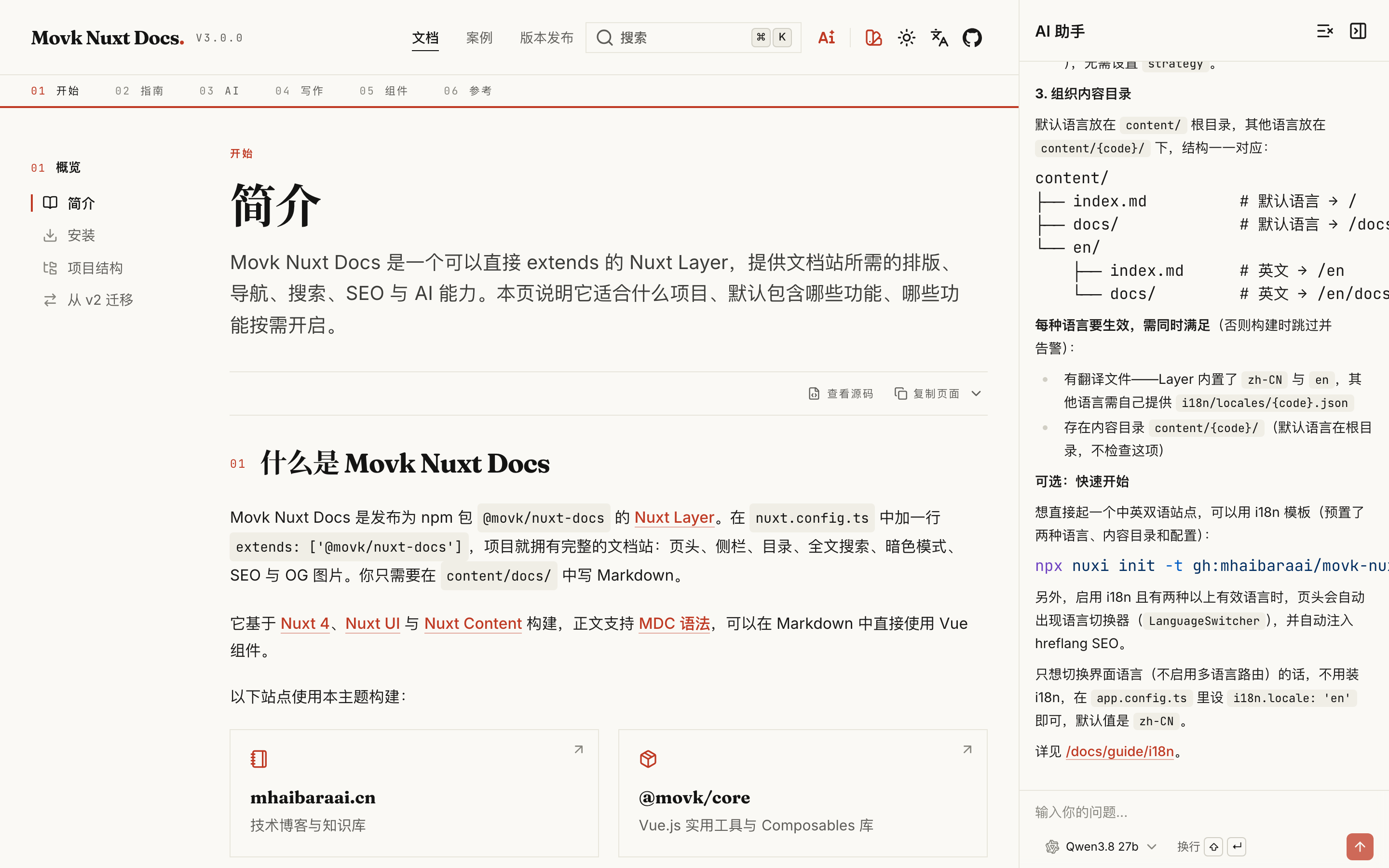
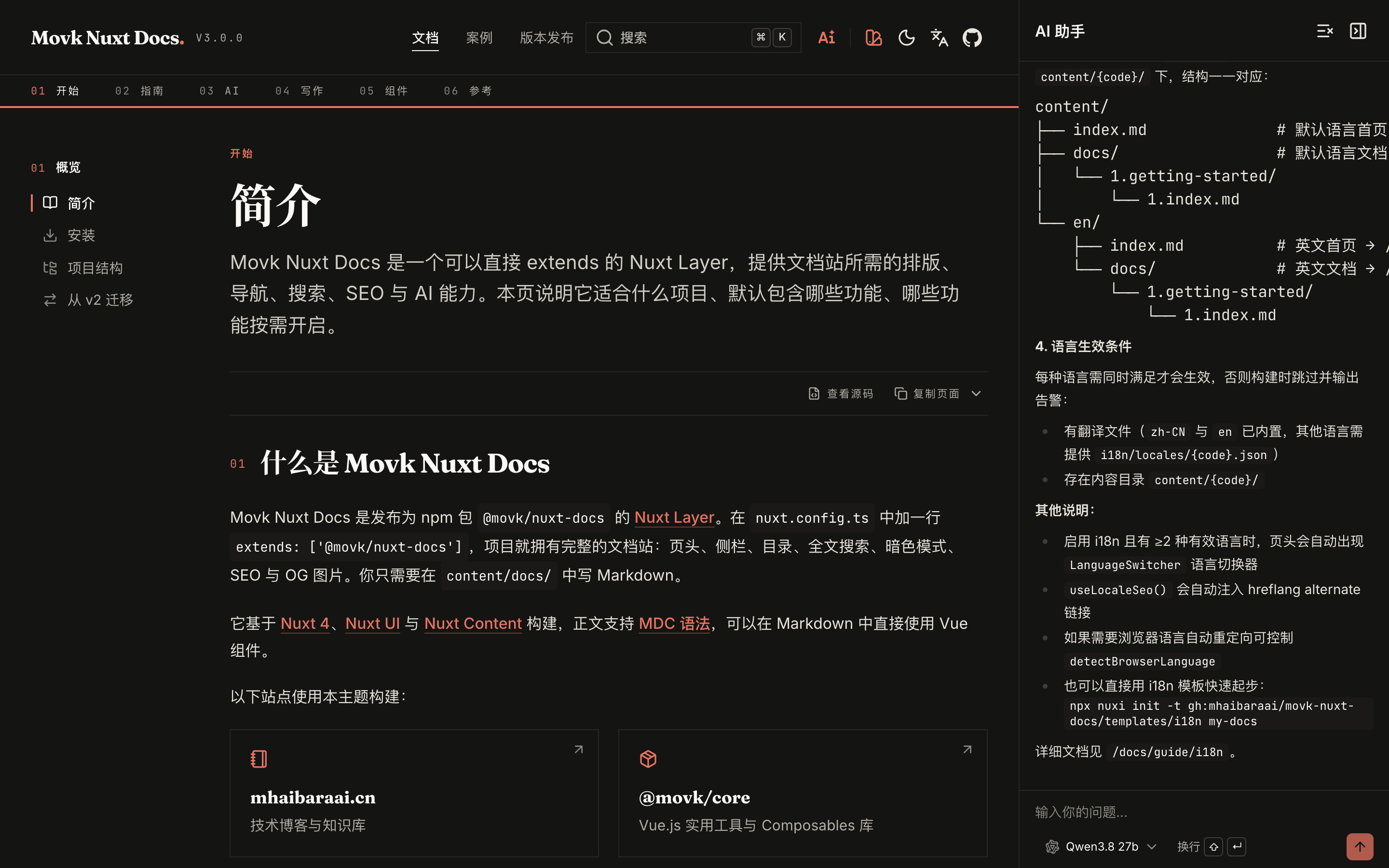
AI Chat is a chat panel built on the Vercel AI SDK. It hands the tools of the site's built-in MCP Server straight to the model, so it searches and reads the docs before answering and shows which pages it is searching or reading.
Enable
AI Chat is off by default. Three things are needed:
Install the dependencies
The AI dependencies are optional peers of the layer. Install them in your project first:
pnpm add ai @ai-sdk/openai @ai-sdk/vue @comark/vue @shikijs/engine-javascript @shikijs/langs @shikijs/themes
npm install ai @ai-sdk/openai @ai-sdk/vue @comark/vue @shikijs/engine-javascript @shikijs/langs @shikijs/themes
yarn add ai @ai-sdk/openai @ai-sdk/vue @comark/vue @shikijs/engine-javascript @shikijs/langs @shikijs/themes
bun add ai @ai-sdk/openai @ai-sdk/vue @comark/vue @shikijs/engine-javascript @shikijs/langs @shikijs/themes
If any of them is missing once AI Chat is enabled, the build stops and prints the packages to install.
Set the environment variables
# Required: its presence enables AI Chat
AI_API_KEY=your-api-key

# Optional: an OpenAI-compatible endpoint; leave empty to use AI Gateway
AI_BASE_URL=https://dashscope.aliyuncs.com/compatible-mode/v1
AI_API_KEY is read at build time: when aiChat.enabled is not set, AI Chat is enabled if the variable exists in the build environment. Your hosting platform must expose it to both the build and the runtime.
Configure the models
export default defineNuxtConfig({
  extends: ['@movk/nuxt-docs'],
  aiChat: {
    model: 'alibaba/qwen3.8-27b',
    models: [
      'alibaba/qwen3.8-27b',
      'deepseek/deepseek-v4-pro-0813'
    ]
  }
})
This is the configuration this site runs. model is the default model, models is the list readers can switch between in the panel.
movkNuxtDocs.mcp: false cannot be combined with AI Chat; the build fails if you try.Explicit switch
aiChat.enabled overrides the environment check:
export default defineNuxtConfig({
  aiChat: {
    // true: enable even without AI_API_KEY at build time (it is still required at runtime, otherwise the endpoint answers 503)
    // false: disable even when AI_API_KEY is set
    enabled: true
  }
})
When disabled, AiChat, AiChatPanel and the other components are replaced by empty components, useAIChat() returns a disabled implementation, and the AI dependencies are left out of the bundle and of type checking. Page code never needs to check the switch.
Module options
aiChat in nuxt.config.ts:
| Option | Type | Default | Description |
|---|---|---|---|
enabled | boolean | Derived from AI_API_KEY | Enable AI Chat |
model | string | '' | Default model id |
models | string[] | [] | Models available in the panel, as provider/model or model |
apiPath | string | '/api/ai-chat' | Chat endpoint path |
mcpPath | string | '/mcp' | MCP Server path |
Model routing
On every request the server resolves the model id in this order:
- Registered provider: the id's prefix matches a provider registered in
modelProviderRegistry, which creates the model - OpenAI-compatible endpoint:
AI_BASE_URLis set, so the request goes straight to that endpoint over chat completions - AI Gateway: otherwise the model is called through Vercel AI Gateway
AI Gateway needs a single AI_API_KEY; models can mix providers, and ids are sent as provider/model.
With an OpenAI-compatible endpoint the prefix only picks the provider icon in the model menu and is stripped before the request: deepseek/deepseek-v4-pro-0813 is sent as deepseek-v4-pro-0813. One AI_API_KEY + AI_BASE_URL pair maps to one upstream, so models should list models that upstream serves.
| Provider | AI_BASE_URL |
|---|---|
| Alibaba Cloud Model Studio (China) | https://dashscope.aliyuncs.com/compatible-mode/v1 |
| Alibaba Cloud Model Studio (International) | https://dashscope-intl.aliyuncs.com/compatible-mode/v1 |
| DeepSeek | https://api.deepseek.com/v1 |
| Zhipu GLM | https://open.bigmodel.cn/api/paas/v4 |
Add other providers
The layer ships only @ai-sdk/openai. To use several providers at once, or one that does not speak the OpenAI protocol, install its AI SDK provider package and register it by prefix:
import { createAnthropic } from '@ai-sdk/anthropic'
import { modelProviderRegistry } from '#ai-chat/server/utils/modelProviders'

export default defineNitroPlugin(() => {
  const anthropic = createAnthropic({ apiKey: process.env.ANTHROPIC_API_KEY })

  // anthropic/claude-sonnet-5-5 lands here; the factory receives the id without its prefix
  modelProviderRegistry.register('anthropic', ({ modelId }) => anthropic(modelId))
})
Registered prefixes take precedence; every other model is still routed through AI_BASE_URL or AI Gateway.
Interface settings
The floating input, the "Explain with AI" button, shortcuts, texts, icons and suggested questions live under aiChat in app.config.ts. See the app.config reference for every field. The common ones:
export default defineAppConfig({
  aiChat: {
    floatingInput: true,
    explainWithAi: true,
    shortcuts: {
      focusInput: 'meta_i'
    },
    icons: {
      providers: {
        alibaba: 'i-hugeicons-qwen'
      }
    },
    faqQuestions: {
      'zh-CN': [
        { category: '安装与配置', items: ['如何从零创建文档站?', '如何启用多语言?'] }
      ],
      'en': [
        { category: 'Setup', items: ['How do I create a docs site?', 'How do I enable multiple languages?'] }
      ]
    }
  }
})
faqQuestionsaccepts a string array, a{ category, items }array, or an object keyed by locale; the questions show while the panel is emptytexts.*fall back to the built-in translation of the current locale, so set them only to change wordingicons.providersmaps model prefixes to icons; unmapped prefixes fall back toi-simple-icons-{provider}
Built-in entry points
Once enabled, the layer mounts these for you:
- Header button:
AiChatinsideHeaderCTAtoggles the panel - Floating input:
AiChatFloatingInputat the bottom of docs pages.⌘I/Ctrl+Ifocuses it,Escblurs it,Entersends - Explain with AI: a button below the table of contents that asks about the current page
- Chat panel:
AiChatPanelpushes the content aside instead of covering it; messages and the open state persist inlocalStorage


Each user message carries the current page path, so the model reads that page first when asked to "explain this page".
Customization
System prompt and endpoint
The default endpoint is layer/modules/ai-chat/runtime/server/api/ai-chat.ts. Create the file matching apiPath in your project (by default server/api/ai-chat.ts) and the layer skips registering its own, letting yours change the system prompt, tools or step limit.
Tool call display
Built-in tools show messages such as "Searching docs pages". To label the MCP tools you register yourself, create a useToolCall with the same name in app/composables/:
export function useToolCall(state: string, toolName: string, input: Record<string, string | undefined>) {
  const done = state === 'output-available'

  return {
    toolMessage: {
      'search-api': `${done ? 'Searched' : 'Searching'} API ${input.query ?? ''}`
    } as Record<string, string>,
    toolIcon: {
      'search-api': 'i-lucide-book-open'
    } as Record<string, string>
  }
}
Return only your own tools; AiChatPanel handles the built-in ones. Unmatched tools show as "Searching {toolName}" with the i-lucide-search icon.
| Built-in tool | Icon |
|---|---|
search-documentation | i-lucide-book-search |
get-documentation-page | i-lucide-book-open |
search-composables | i-lucide-braces |
search-icons | i-lucide-search |
list-examples | i-lucide-codesandbox |
get-example | i-lucide-codepen |
get-component | i-lucide-box |
get-component-metadata | i-lucide-file-code |
API
Components
None of these take props; they read aiChat from nuxt.config.ts and app.config.ts. With AI Chat disabled they are all replaced by AiChatDisabled, which renders an empty div.
| Component | Description |
|---|---|
AiChat | Button that opens or closes the panel; its tooltip comes from aiChat.texts.trigger |
AiChatPanel | The chat panel with messages, streaming, reasoning and tool calls |
AiChatFloatingInput | Floating input at the bottom of docs pages; its shortcut only responds on the docs layout |
AiChatModelSelect | Model menu listing aiChat.models |
To use them on a custom page, mount them the way the layer does:
<script setup lang="ts">
const { isEnabled } = useAIChat()
</script>

<template>
  <div>
    <AiChat />
    <template v-if="isEnabled">
      <AiChatPanel />
      <ClientOnly>
        <AiChatFloatingInput />
      </ClientOnly>
    </template>
  </div>
</template>
useAIChat()
Chat state shared across the app.
localStorage.localStorage.const { open } = useAIChat()
open('How do I enable multiple languages?')
useModels()
The model list and the current selection.
aiChat.models.model and defaulting to aiChat.model.deepseek/deepseek-v4-pro-0813 becomes Deepseek V4 Pro 0813.aiChat.icons.providers for the id's prefix.useHighlighter()
Returns Promise<HighlighterCore>, the Shiki instance used for code blocks in the panel, loaded on demand and created once. It bundles vue, javascript, typescript, css, html, json, yaml, markdown and bash, with the github-light and github-dark themes, matching the code blocks in the docs.
useToolCall(state, toolName, input)
The extension point for tool call display, see Tool call display. state is the AI SDK tool state ('output-available' means finished), typed as string so the layer core does not depend on the optional ai package.
Deployment
Deploy the docs site to Vercel, Netlify, Cloudflare or any Node.js server, or generate a fully static site. This page lists the build commands, environment variables, per-platform notes and the features that are unavailable on static hosting.
MCP Server
Every docs site serves a Model Context Protocol server at /mcp by default. This page lists the built-in tools, resources and prompts, shows how to connect Claude Code, Cursor, VS Code and other clients, and explains how to disable, restrict or extend the server.