Navigation & Categories
What makes up navigation
| Location | Source |
|---|---|
| Header navigation (desktop) | header.nav in app.config |
| Mobile menu | header.mobileNav, falling back to header.nav when empty |
| Numbered section bar below the header (docs pages, desktop) | Top-level directories of content/docs/ |
| Left sidebar | Pages in the current section, grouped by docs.categories and subdirectories |
| ⌘K search palette | Every docs page in the current language |
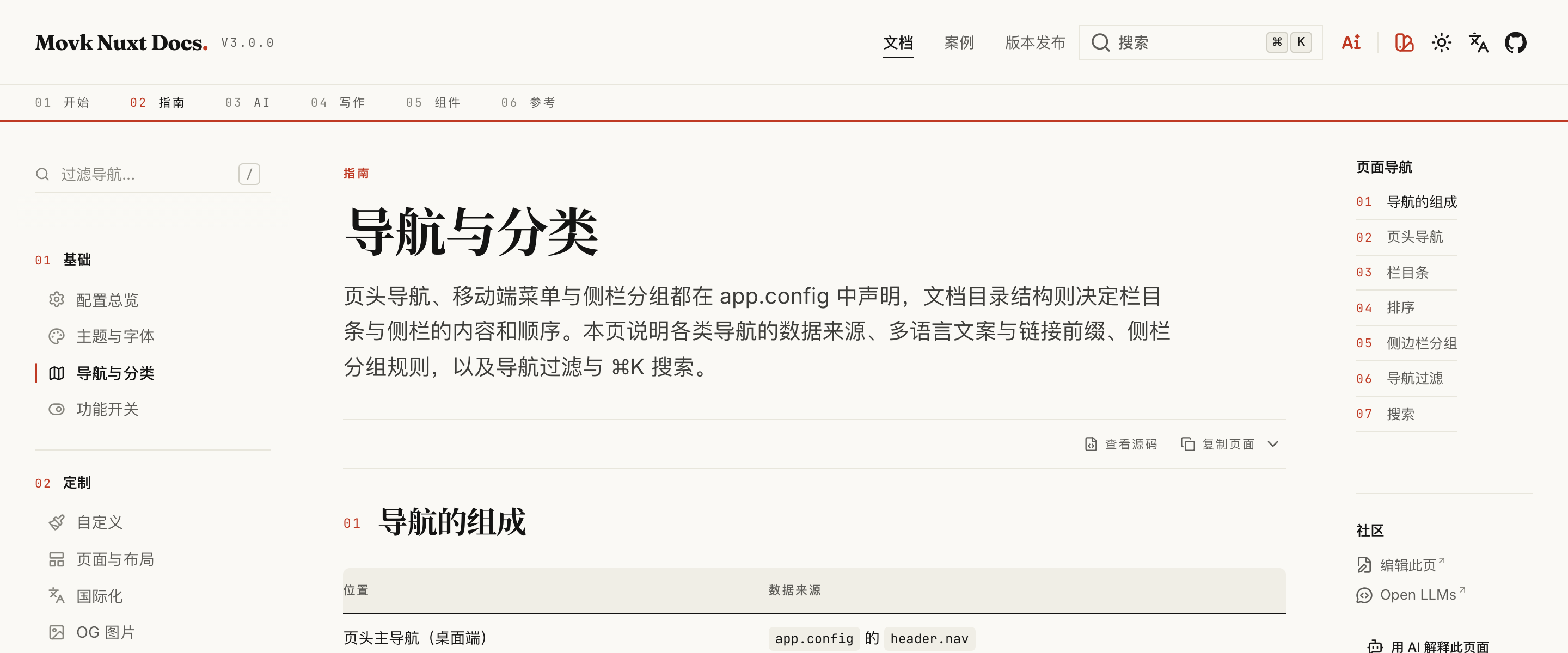
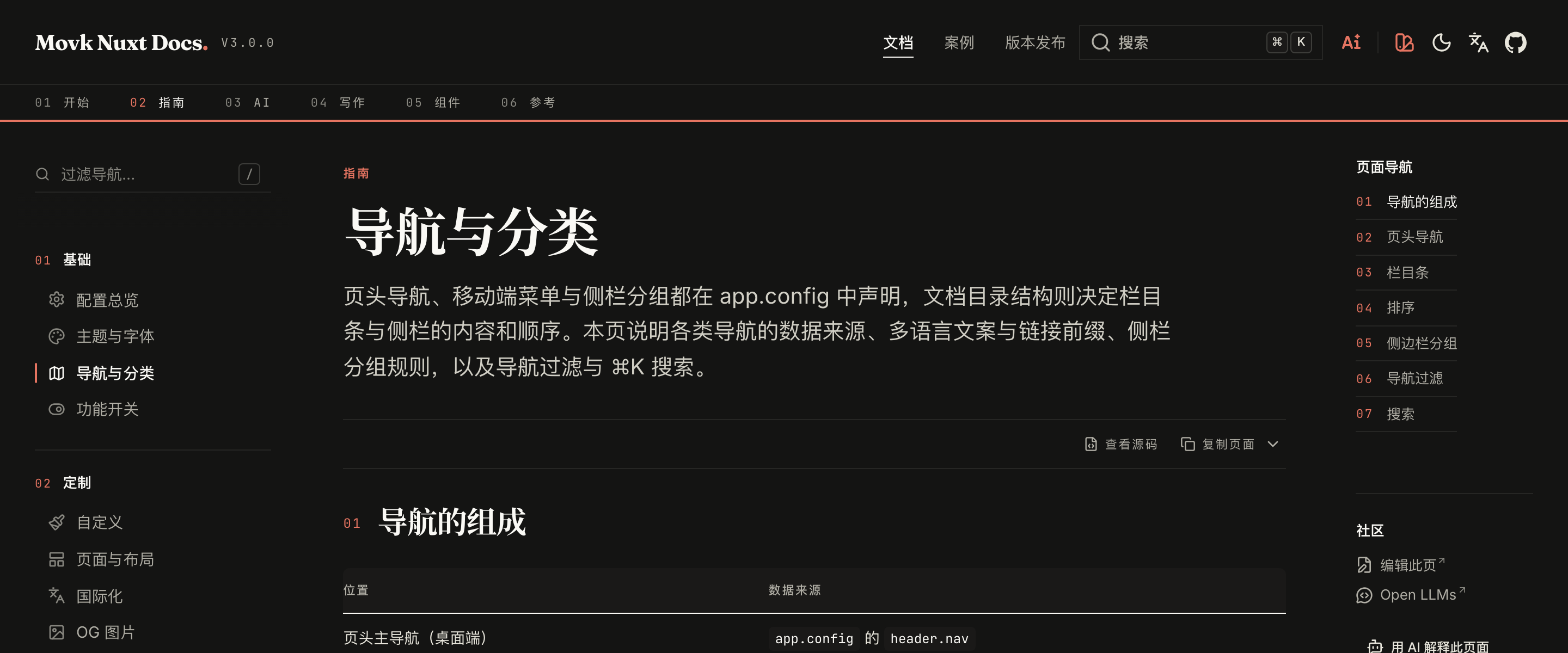
Header navigation
export default defineAppConfig({
  header: {
    nav: [
      { label: { 'zh-CN': '文档', 'en': 'Docs' }, to: '/docs/getting-started', activeMatch: '/docs' },
      { label: { 'zh-CN': '版本发布', 'en': 'Releases' }, to: '/releases' },
      { label: 'GitHub', to: 'https://github.com/my/repo' }
    ],
    mobileNav: [
      { label: { 'zh-CN': '快速开始', 'en': 'Get Started' }, icon: 'i-lucide-square-play', to: '/docs/getting-started' },
      { label: { 'zh-CN': '版本发布', 'en': 'Releases' }, icon: 'i-lucide-newspaper', to: '/releases' }
    ]
  }
})
Each link accepts:
| Field | Type | Description |
|---|---|---|
label | string | Record<string, string> | Text. An object is resolved by the current locale, falling back to the default locale and then the first value |
to | string | Link target. Internal paths get the current locale prefix automatically, so /docs becomes /en/docs in English |
icon | string | Icon shown in the mobile menu |
target | '_blank' | '_self' | Link target. External links (URLs with a protocol) default to _blank |
activeMatch | string | Path prefix used for the active state, defaults to to. In the example, "Docs" is highlighted on every /docs/** page |
active | boolean | Force the active state, overriding prefix matching |
Icon buttons on the right of the header come from header.links; when a GitHub repository is configured, a GitHub icon is prepended automatically.
Section bar
Docs pages show a numbered section bar below the header. Each item is a top-level directory of content/docs/, titled by that directory's .navigation.yml:
title: Guide
icon: i-lucide-compass
When the directory has an index.md, the section bar links to the directory itself (such as /docs/getting-started); otherwise it links straight to the first page of the section, with no redirect to configure. The LandingIndex contents list on landing pages follows the same rule.
Ordering
Numeric prefixes on directories and files set the order and never appear in routes:
content/docs/
├── 1.getting-started/
│   ├── .navigation.yml
│   ├── 1.index.md          → /docs/getting-started
│   └── 2.installation.md   → /docs/getting-started/installation
└── 2.guide/
    ├── .navigation.yml
    ├── 1.configuration.md  → /docs/guide/configuration
    └── 10.faq.md           → /docs/guide/faq
Page frontmatter adjusts how a single page appears in navigation:
---
title: Configuration Overview
navigation:
  title: Configuration   # shorter title in the sidebar
  badge: New             # badge next to the title
---
Set navigation: false to hide a page from the sidebar and section lists; the page remains reachable.
Sidebar groups
The sidebar only shows pages in the current section, grouped in this order:
- Overview: pages with neither a subdirectory nor a
category - Subdirectories: each subdirectory in the section becomes a group, titled by its
.navigation.yml - Categories: pages whose frontmatter
categorymatches a category declared indocs.categories, in declaration order
export default defineAppConfig({
  docs: {
    categories: {
      // Keys are section directory slugs without the numeric prefix
      guide: [
        { id: 'basics', title: { 'zh-CN': '基础', 'en': 'Basics' }, icon: 'i-lucide-settings' },
        { id: 'customization', title: { 'zh-CN': '定制', 'en': 'Customization' }, icon: 'i-lucide-paintbrush' }
      ]
    }
  }
})
---
title: Theme & Fonts
category: basics
---
category matches no id in the current section's docs.categories, the page falls back to the Overview group and a warning is logged during development so you can declare it.Sidebar filter
Sections with many pages can show a filter at the top of the sidebar. It matches navigation titles and descriptions and is cleared on navigation:
export default defineAppConfig({
  aside: {
    filter: {
      enabled: true,
      threshold: 10,
      shortcut: '/'
    }
  }
})
The filter only appears once the current section has at least threshold items. shortcut focuses the filter; set it to an empty string to disable it.
Search
The header search box and ⌘K (Ctrl+K on Windows and Linux) open the search palette. It indexes every docs page in the current language, matched by page title and heading sections. Set header.search: false to hide the search entry.
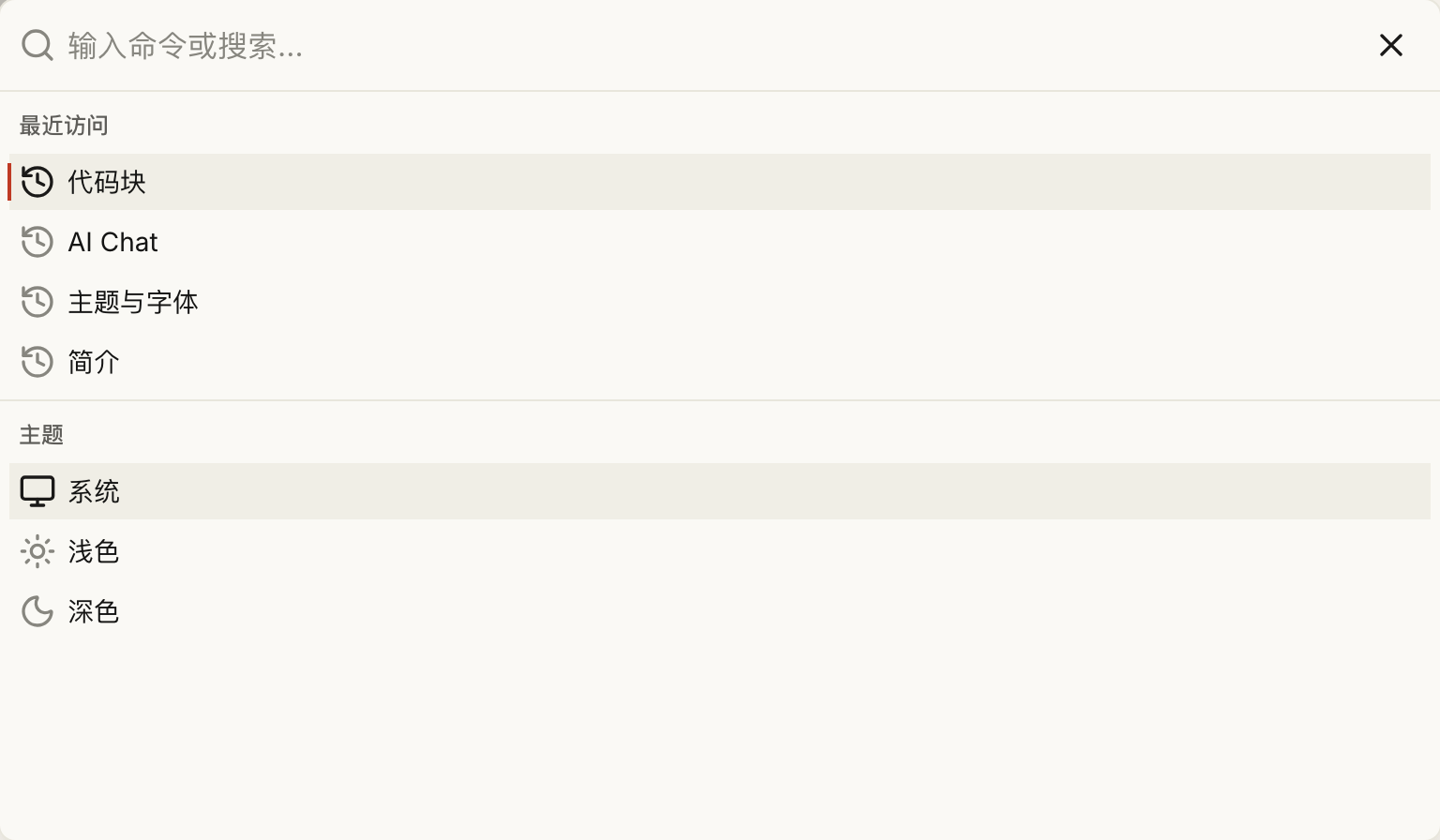
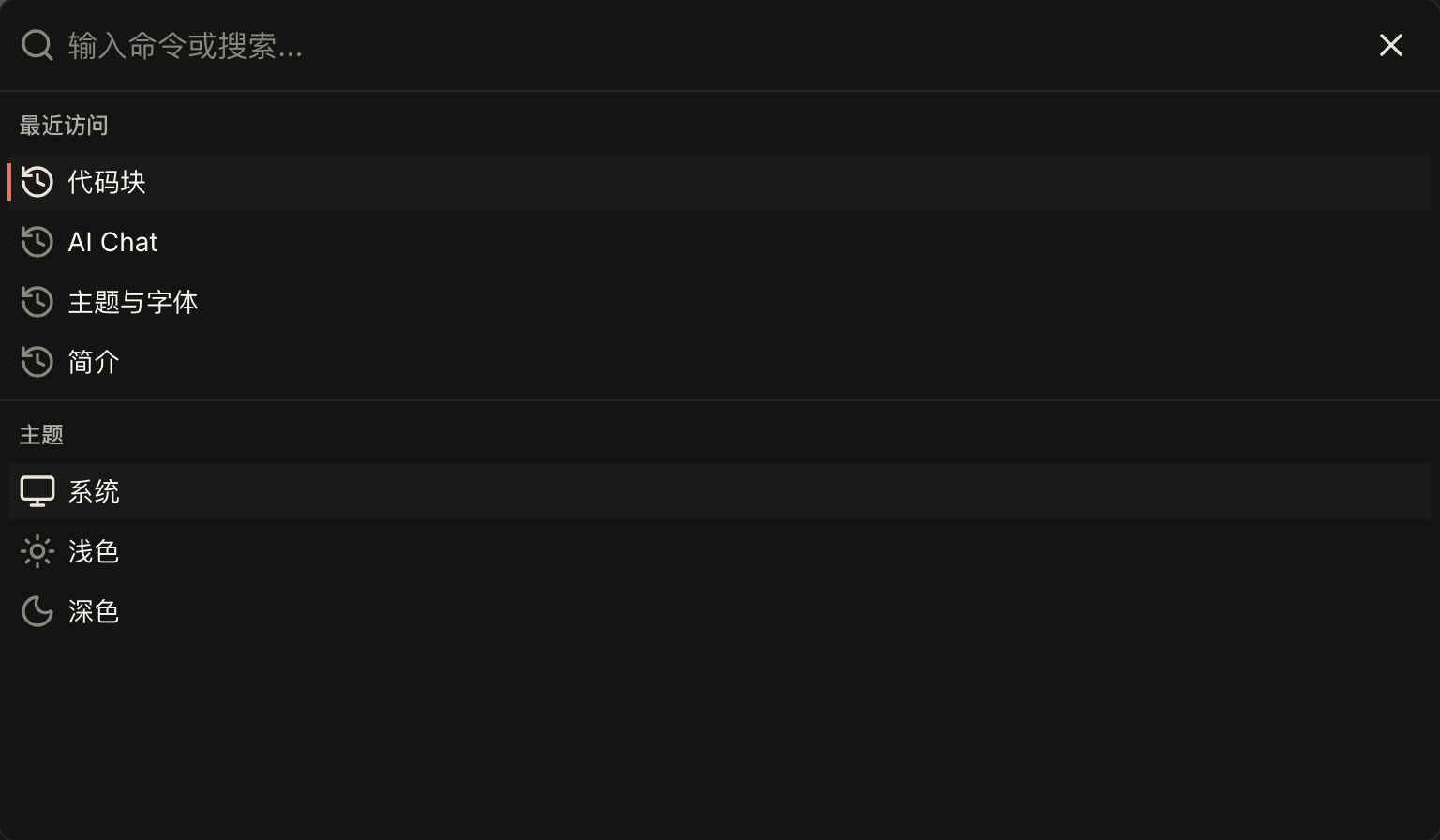
With an empty query, the palette lists the last 6 docs pages visited in the current language. The history is stored in the visitor's localStorage and never sent to the server.
Theme & Fonts
The default theme is editorial - a warm paper background, a vermilion accent, serif headings and monospaced metadata. This page covers the default colors and fonts, switching colors and heading fonts in app.config, adding a CJK serif font, the visitor theme picker and motion preferences.
Feature Flags
Optional features such as component docs, Mermaid, AI Chat and accessibility checks are controlled by switches in nuxt.config, and features that are off bundle none of their dependencies. This page lists each flag's default, the dependencies to install when enabling it, and what happens when it is off.