Images and Video
u-color-mode-image, and embed videos with :video. Also covers where to put images and how to write alt text.Images
Remote images


Local images
Put local images in the site's public/ directory and reference them from /:
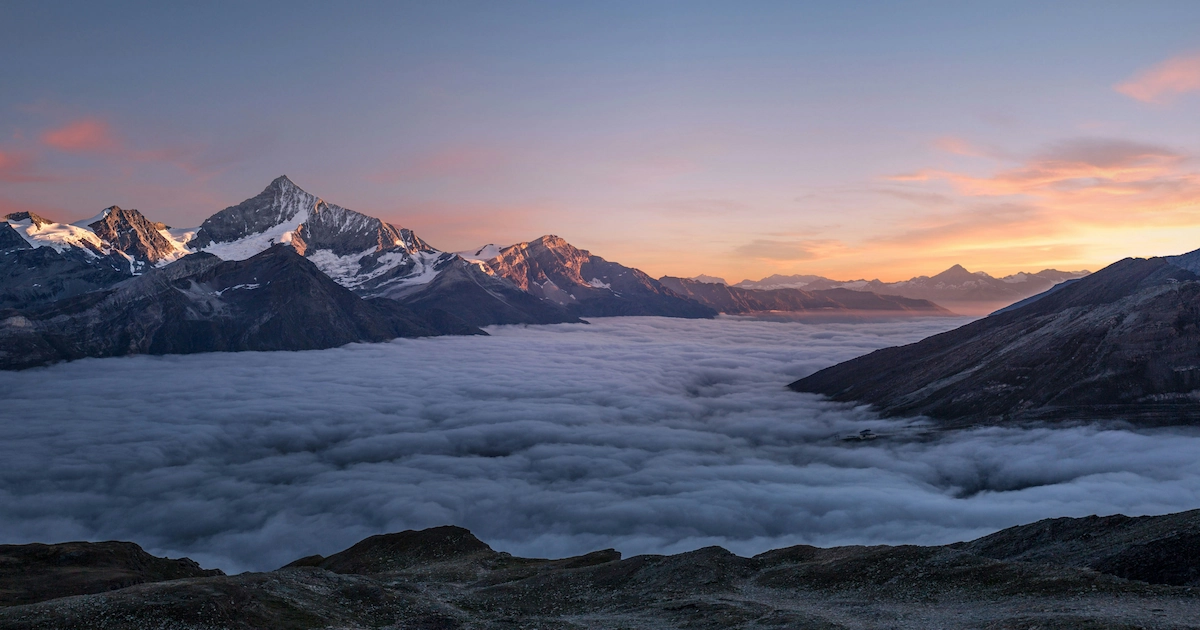

<NuxtImg>. The project's image.provider determines how images are optimized. This site uses the none provider on Cloudflare Workers to serve the original image URLs.The alt text in square brackets describes the image for screen readers and search engines. Avoid empty words such as "image" or "screenshot".
Light and dark screenshots
When a UI screenshot looks very different in light and dark mode, provide both with u-color-mode-image; the page shows the one matching the current theme:
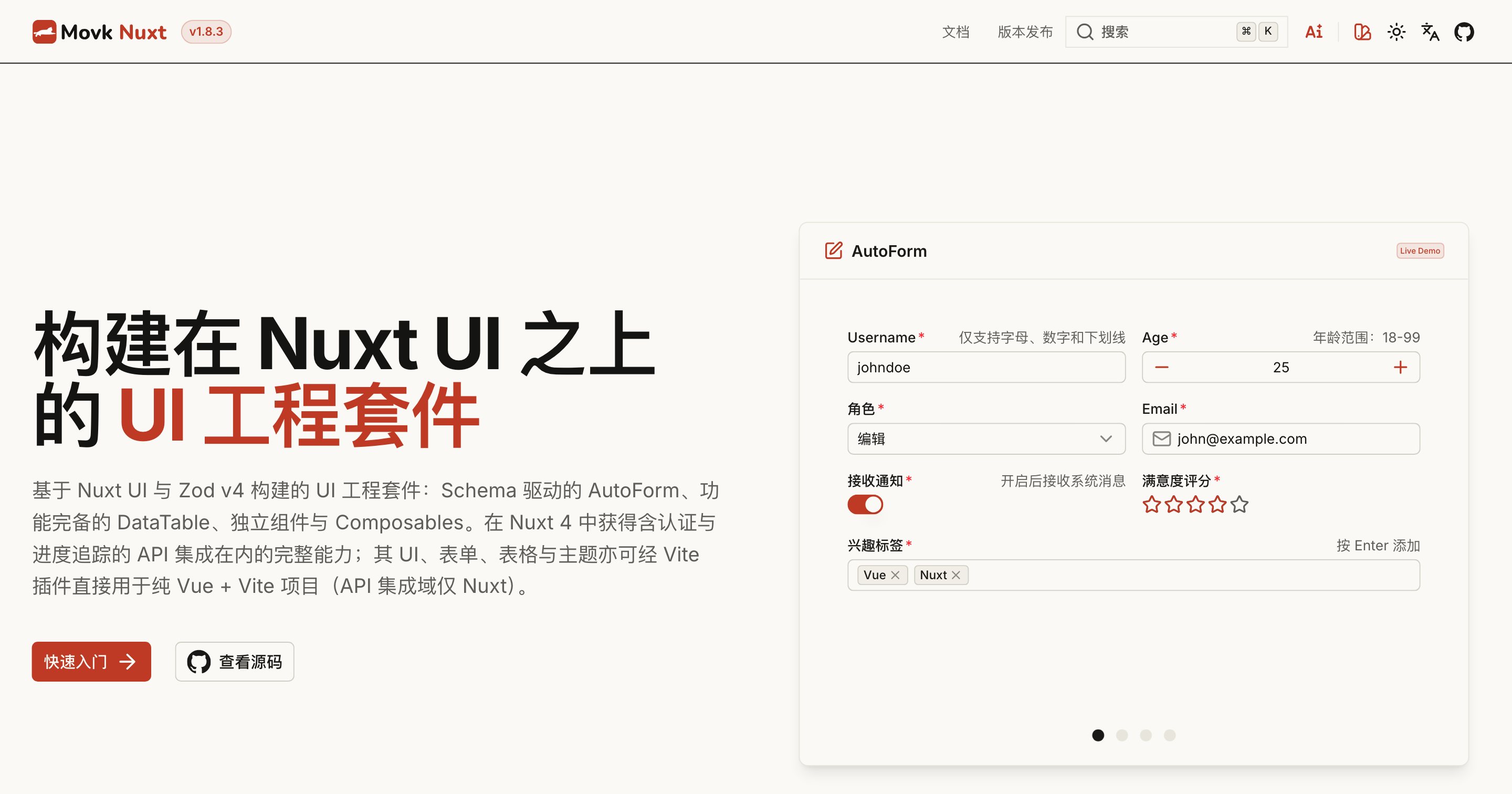
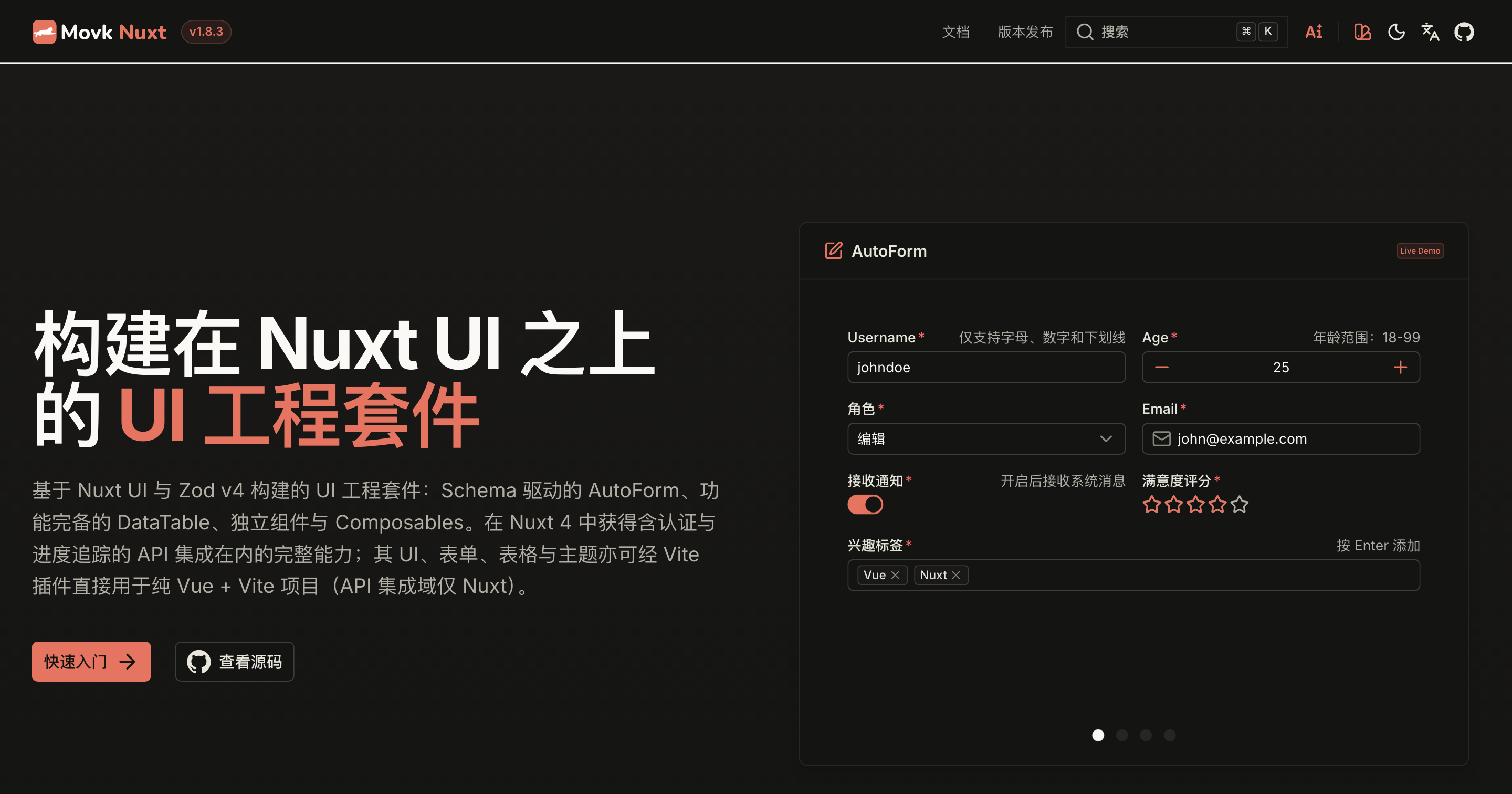
:u-color-mode-image{light="/assets/templates/movk-nuxt-light.png" dark="/assets/templates/movk-nuxt-dark.png" alt="Home page of the @movk/nuxt docs site" class="rounded-md border border-default"}
Video
:video renders a native <video> element with the usual HTML attributes:
:video{autoplay controls loop muted src="https://media.w3.org/2010/05/sintel/trailer.mp4"}
Browsers only autoplay muted videos, so add muted together with autoplay.
MDC Components
Embed Nuxt UI prose components in Markdown with MDC syntax, including callouts, badges, cards, accordions, tabs, steps, fields, icons and keyboard keys, to structure richer docs without writing Vue code.
Mermaid Diagrams
With `movkNuxtDocs.mermaid` enabled and mermaid and dompurify installed, code blocks in the `mermaid` language render as flowcharts, sequence diagrams, class diagrams and more. Diagrams follow the color mode, load when scrolled into view and support copy and fullscreen.