导航与分类
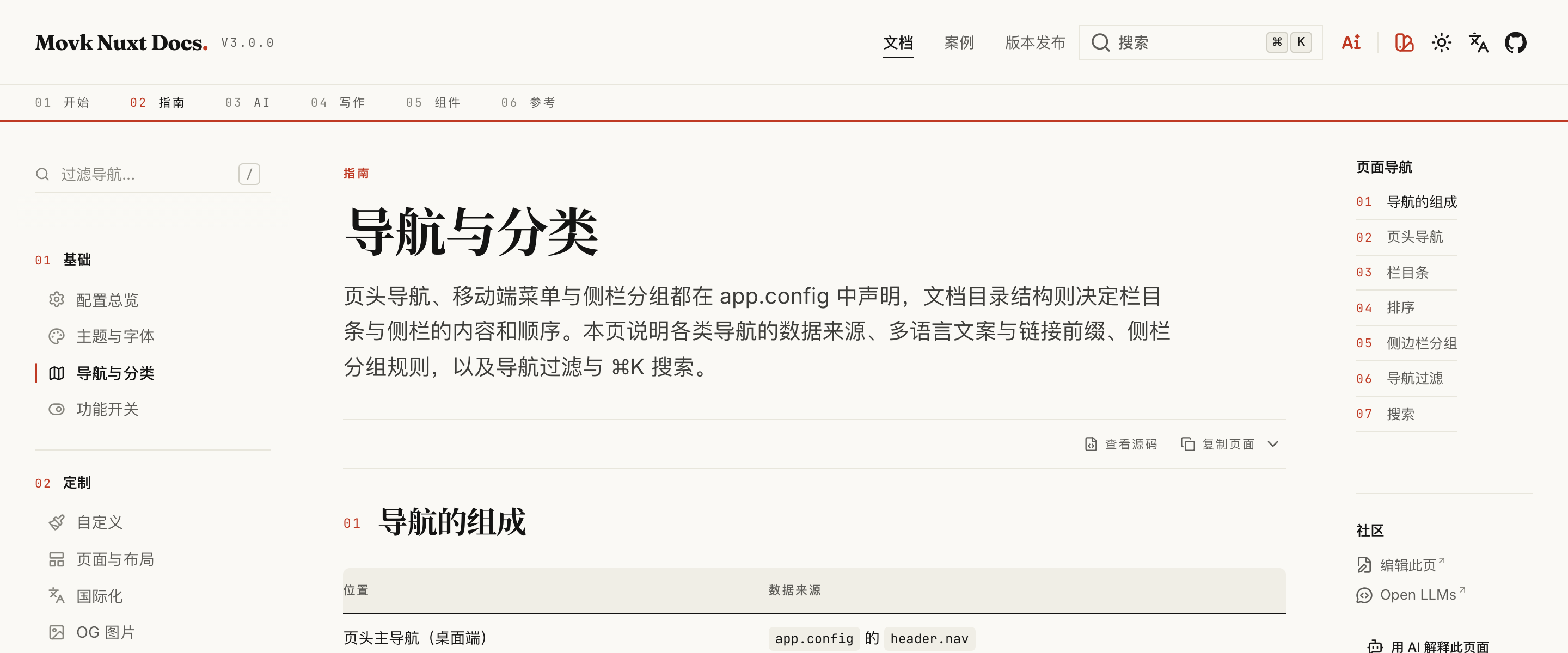
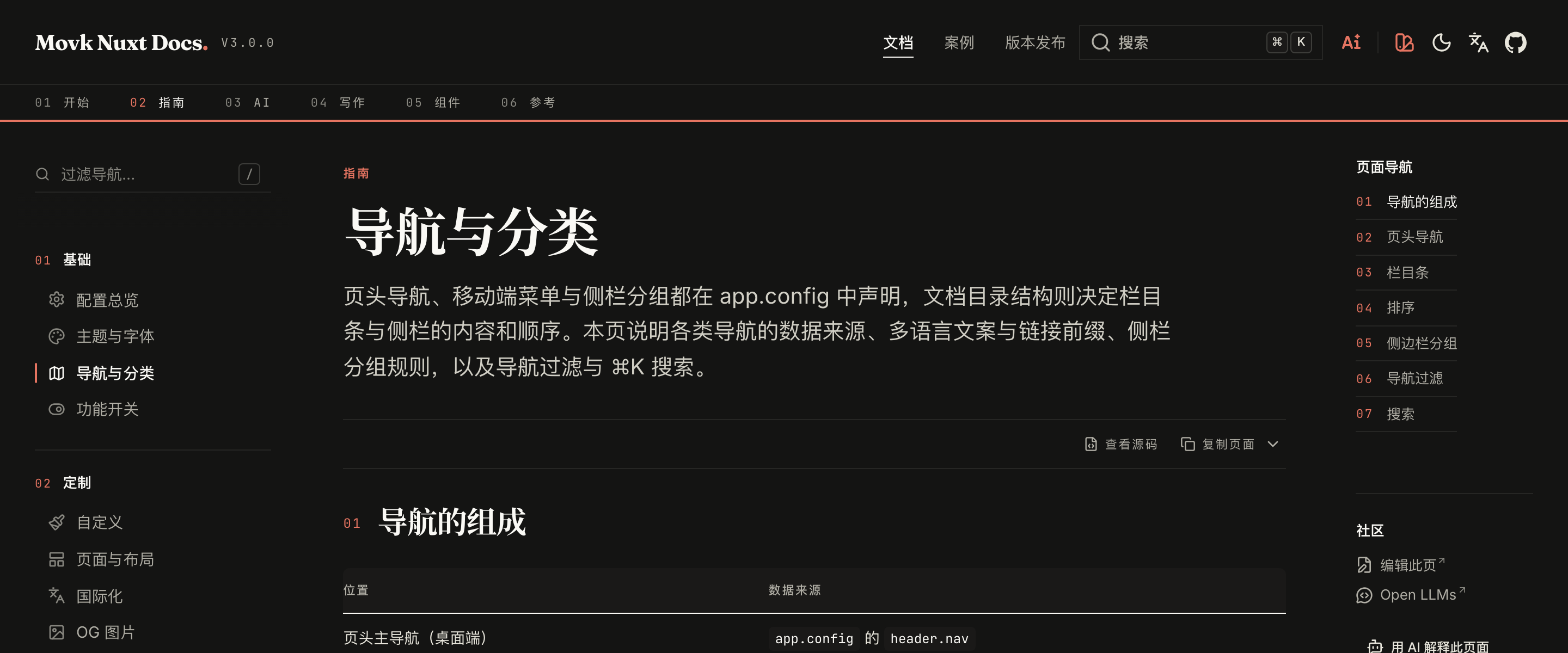
页头导航、移动端菜单与侧栏分组都在 app.config 中声明,文档目录结构则决定栏目条与侧栏的内容和顺序。本页说明各类导航的数据来源、多语言文案与链接前缀、侧栏分组规则,以及导航过滤与 ⌘K 搜索。
导航的组成
| 位置 | 数据来源 |
|---|---|
| 页头主导航(桌面端) | app.config 的 header.nav |
| 移动端菜单 | header.mobileNav,为空时沿用 header.nav |
| 页头下方的编号栏目条(仅文档页、桌面端) | content/docs/ 的顶层目录 |
| 左侧边栏 | 当前栏目下的页面,按 docs.categories 与子目录分组 |
| ⌘K 搜索面板 | 当前语言的全部文档页 |
页头导航
app/app.config.ts
export default defineAppConfig({
  header: {
    nav: [
      { label: { 'zh-CN': '文档', 'en': 'Docs' }, to: '/docs/getting-started', activeMatch: '/docs' },
      { label: { 'zh-CN': '版本发布', 'en': 'Releases' }, to: '/releases' },
      { label: 'GitHub', to: 'https://github.com/my/repo' }
    ],
    mobileNav: [
      { label: { 'zh-CN': '快速开始', 'en': 'Get Started' }, icon: 'i-lucide-square-play', to: '/docs/getting-started' },
      { label: { 'zh-CN': '版本发布', 'en': 'Releases' }, icon: 'i-lucide-newspaper', to: '/releases' }
    ]
  }
})
每个链接支持以下字段:
| 字段 | 类型 | 说明 |
|---|---|---|
label | string | Record<string, string> | 文案。传对象时按当前语言取值,缺失时依次回退到默认语言与第一个值 |
to | string | 链接地址。站内路径会自动加上当前语言前缀,如英文下 /docs 变为 /en/docs |
icon | string | 图标,移动端菜单中显示 |
target | '_blank' | '_self' | 打开方式。外部链接(带协议的地址)默认 _blank |
activeMatch | string | 激活判断使用的路径前缀,默认取 to。上例中访问任意 /docs/** 页面时「文档」都会高亮 |
active | boolean | 显式指定激活状态,优先于前缀判断 |
页头右侧的图标按钮由 header.links 配置;配置了 GitHub 仓库时会自动在最前面加上 GitHub 图标。
栏目条
文档页的页头下方会显示一条编号栏目条,每一项对应 content/docs/ 下的一个顶层目录,标题取自该目录的 .navigation.yml:
content/docs/2.guide/.navigation.yml
title: 指南
icon: i-lucide-compass
目录下有 index.md 时,栏目条链接到目录本身(如 /docs/getting-started);没有时直接链接到该栏目的第一篇页面,无需额外配置重定向。落地页的 LandingIndex 目录使用同样的规则。
排序
目录与文件名的数字前缀决定顺序,且不会出现在路由中:
content/docs/
├── 1.getting-started/
│   ├── .navigation.yml
│   ├── 1.index.md          → /docs/getting-started
│   └── 2.installation.md   → /docs/getting-started/installation
└── 2.guide/
    ├── .navigation.yml
    ├── 1.configuration.md  → /docs/guide/configuration
    └── 10.faq.md           → /docs/guide/faq
在页面 frontmatter 中可以调整单页的导航表现:
---
title: 配置总览
navigation:
  title: 配置        # 侧栏中显示的短标题
  badge: New         # 标题旁的徽标
---
设置 navigation: false 可将页面从侧栏与栏目中隐藏,页面本身仍可访问。
侧边栏分组
侧边栏只显示当前栏目下的页面,并按以下顺序分组:
- 概览:没有子目录、也没有
category的页面 - 子目录:栏目内的每个子目录各成一组,组名取子目录的
.navigation.yml - 分类:页面 frontmatter 的
category与docs.categories中声明的分类匹配,按声明顺序排列
app/app.config.ts
export default defineAppConfig({
  docs: {
    categories: {
      // 键为栏目目录去掉数字前缀后的 slug
      guide: [
        { id: 'basics', title: { 'zh-CN': '基础', 'en': 'Basics' }, icon: 'i-lucide-settings' },
        { id: 'customization', title: { 'zh-CN': '定制', 'en': 'Customization' }, icon: 'i-lucide-paintbrush' }
      ]
    }
  }
})
content/docs/2.guide/2.theme.md
---
title: 主题与字体
category: basics
---
category 在当前栏目的 docs.categories 中找不到对应的 id 时,页面会归入「概览」分组,开发环境下终端会输出警告,提示补充声明。导航过滤
栏目页面较多时,可以在侧栏顶部开启过滤框。过滤按导航项的标题与描述匹配,切换页面时自动清空:
app/app.config.ts
export default defineAppConfig({
  aside: {
    filter: {
      enabled: true,
      threshold: 10,
      shortcut: '/'
    }
  }
})
过滤框只在当前栏目的导航项总数达到 threshold 时显示;shortcut 为聚焦过滤框的快捷键,设为空字符串即禁用。
搜索
页头的搜索框与 ⌘K(Windows 与 Linux 为 Ctrl+K)打开搜索面板,索引范围是当前语言的全部文档页,按页面标题与各级标题分段匹配。设置 header.search: false 可隐藏搜索入口。
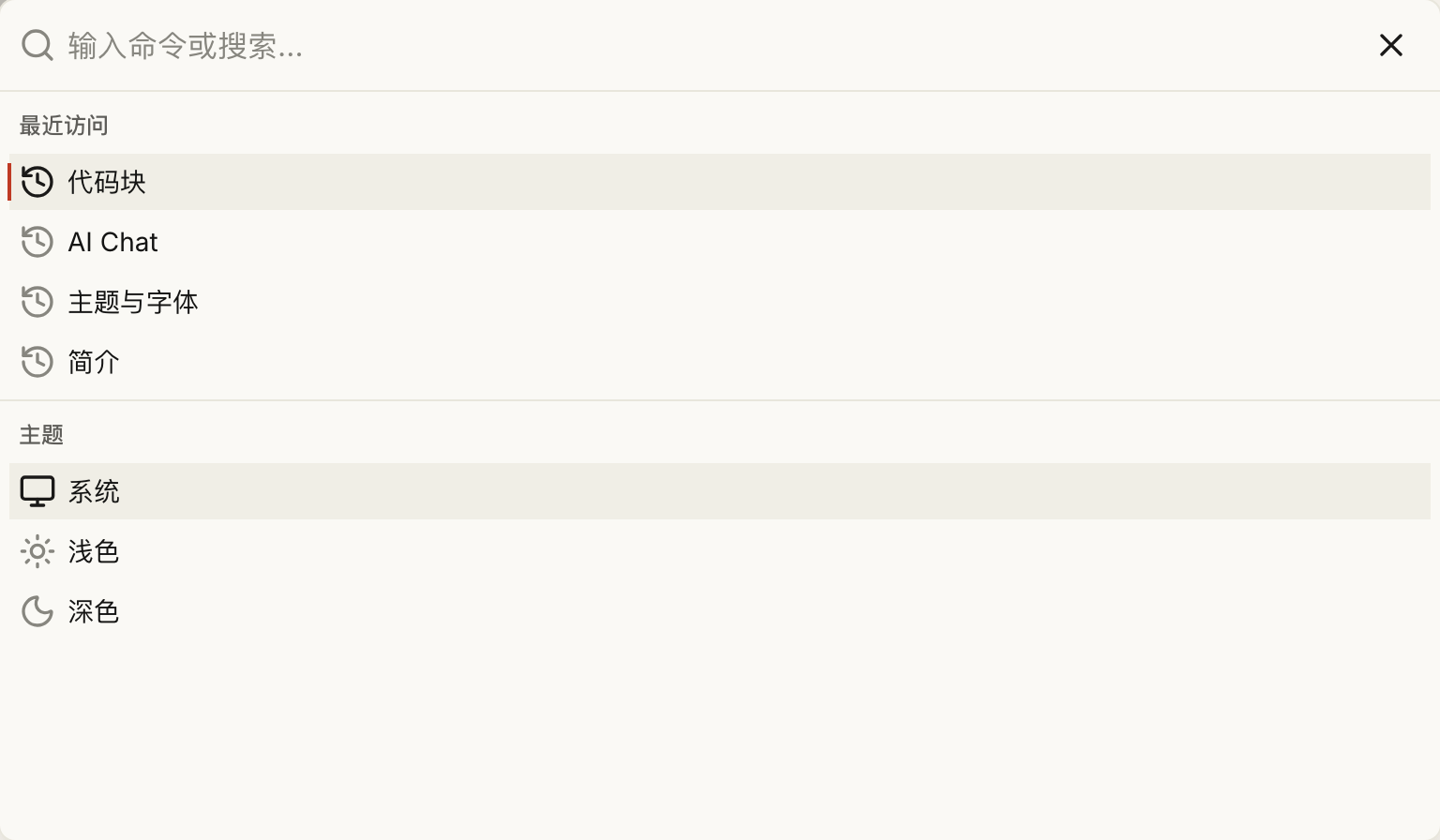
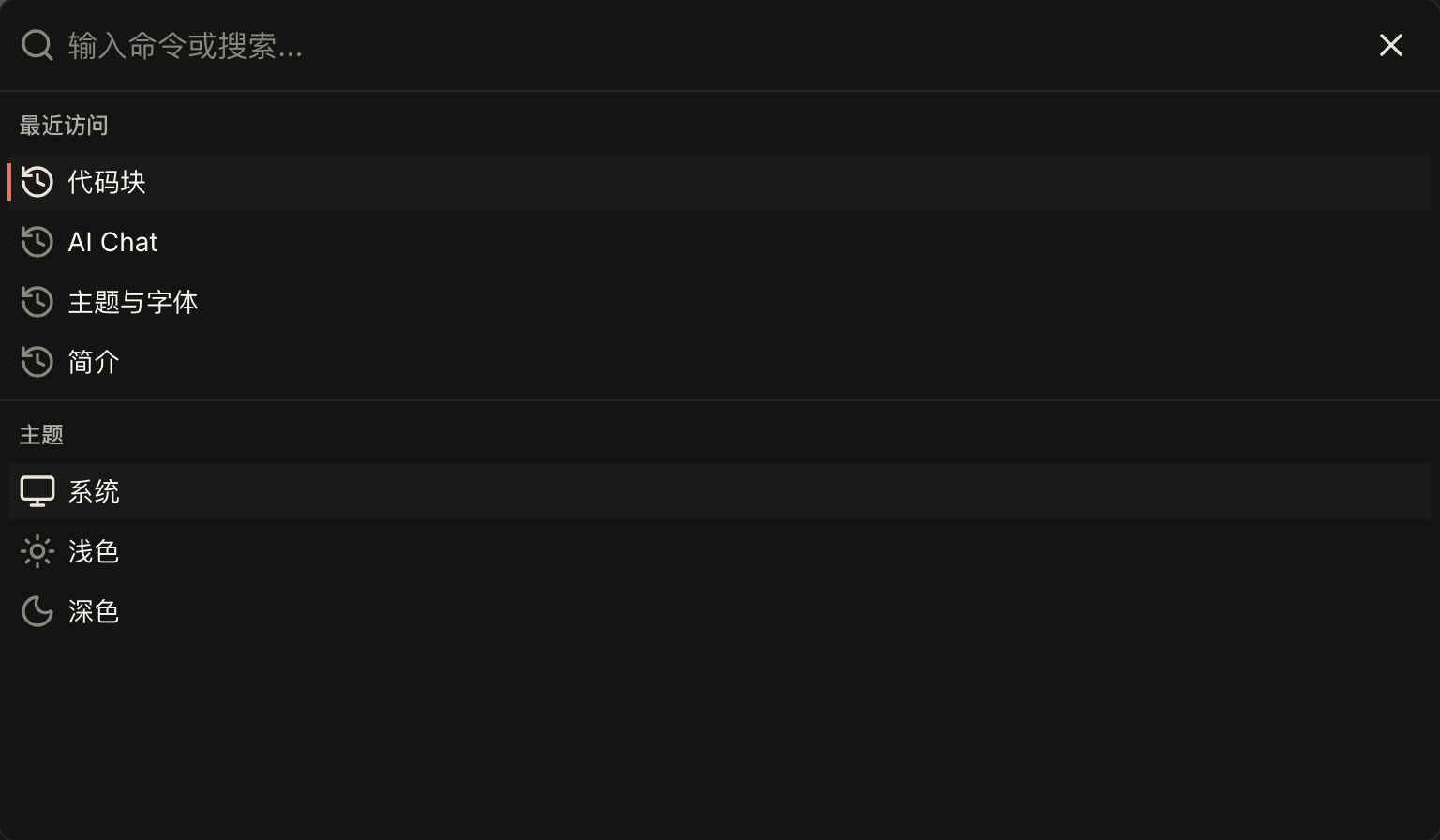
搜索词为空时,面板展示当前语言最近访问的 6 个文档页。记录保存在访客浏览器的 localStorage 中,不会上传到服务器。